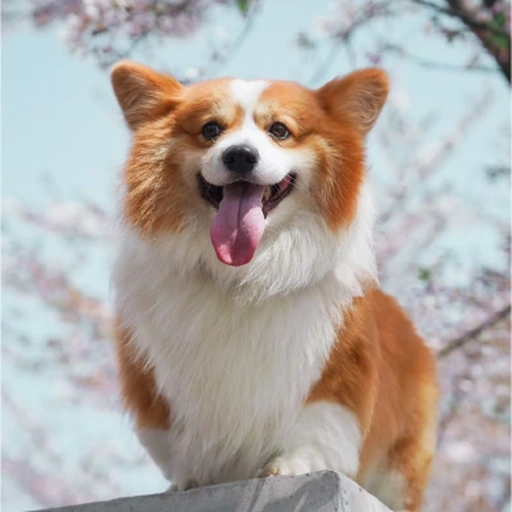
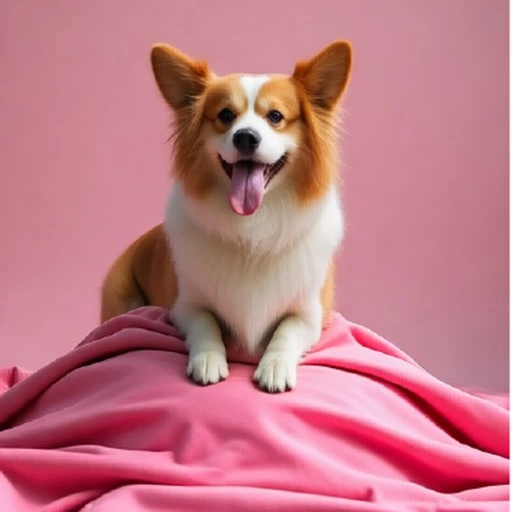


Choose the temporal relation.
A lightweight router selects one of three temporal RoPE experts. Short, medium, and long virtual intervals provide different transformation priors, using equivalent video-frame spans of 17, 69, and 121.
Video priors. Unified image generation.
1 University of Science and Technology of China 2 FrameX.AI
* Corresponding author
Overview
Unified conditional image generation requires a single model to preserve different aspects of a visual input while producing a target image that follows textual guidance. Pretrained video models provide a promising foundation by encoding visual transformations across time, yet existing approaches typically assign the condition and target to fixed temporal positions. We observe that condition-target relationships vary substantially across generation tasks, while video models naturally encode visual transformations at different temporal scales. This motivates us to model conditional generation through input-adaptive virtual temporal relations.
We propose FrameForge, which captures two complementary aspects of such relations. Mixture of Temporal Experts (MoTE) models how far the target lies from the condition by dynamically selecting temporal RoPE experts with different virtual intervals. Chain of Temporal Reasoning (CoTR) models how the condition is transformed into the target through a latent intermediate state, with a reasoning-bottleneck attention mask encouraging information propagation through this pathway. Experiments on DreamBench, COCO2017, and GEdit-Bench show that FrameForge achieves superior performance in subject-driven generation, Canny-to-image generation, and image editing among the compared methods.
The approach
Treat the condition and target as frames in a virtual video.
Adapt their temporal relation to the input and the denoising step.
A lightweight router selects one of three temporal RoPE experts. Short, medium, and long virtual intervals provide different transformation priors, using equivalent video-frame spans of 17, 69, and 121.
One noise-initialized reasoning latent connects the condition to the target. A reasoning-bottleneck attention mask encourages this pathway during intermediate training; inference uses full attention.
Experiments
Qualitative comparisons and quantitative results reported in the manuscript.
DreamBench
30 subjects × 25 prompts, with one reference image per subject.
VIEScore evaluates semantic consistency, perceptual quality, and overall score.
| Method | Base model | SC ↑ | PQ ↑ | Overall ↑ |
|---|---|---|---|---|
| BLIPDiffusion | SD 1.5 | 0.574 | 0.696 | 0.613 |
| SSR-Encoder | SD 1.5 | 0.524 | 0.774 | 0.608 |
| IP-Adapter | SDXL | 0.516 | 0.824 | 0.629 |
| ACE++ | FLUX.1-dev | 0.660 | 0.779 | 0.688 |
| EasyControl | FLUX.1-dev | 0.596 | 0.839 | 0.679 |
| OmniGen | Native | 0.611 | 0.762 | 0.652 |
| OminiControl | FLUX.1-dev | 0.680 | 0.816 | 0.719 |
| EchoGen | Infinity-2B | 0.729 | 0.744 | 0.719 |
| RealGeneral | CogVideoX-1.5 | 0.633 | 0.767 | 0.669 |
| DRA-Ctrl | HunyuanVideo-I2V | 0.609 | 0.800 | 0.656 |
| ChronoEdit | Wan2.1-I2V-14B | 0.757 | 0.764 | 0.729 |
| FrameForge Ours | HunyuanVideo1.5 | 0.739 | 0.783 | 0.739 |
↑ Higher is better. Bold marks the best score in each column.
COCO2017 · 5,000 validation images
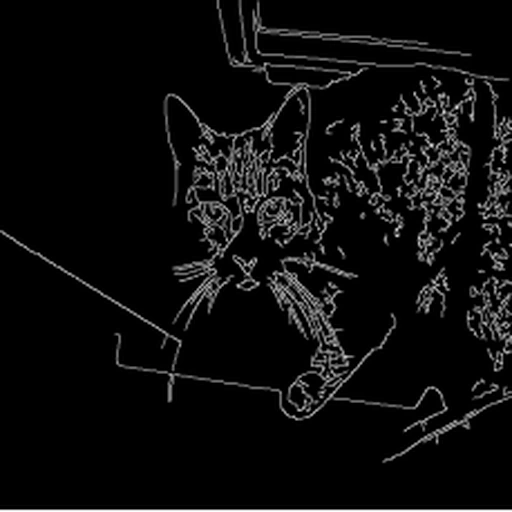
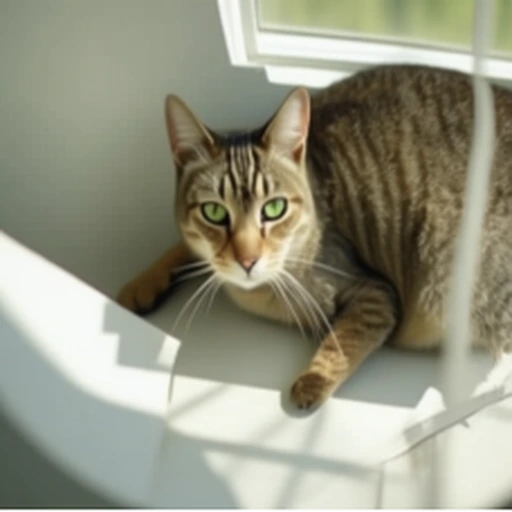
Edge maps guide the pose, layout, and major contours.
FID, SSIM, and CLIP-T measure complementary aspects of image generation.
| Method | Base model | FID ↓ | SSIM ↑ | CLIP-T ↑ |
|---|---|---|---|---|
| ControlNet | SD 1.5 | 20.42 | 0.299 | 0.323 |
| OmniGen | Native | 22.51 | 0.352 | 0.329 |
| EasyControl | FLUX.1-dev | 22.82 | 0.417 | 0.319 |
| RealGeneral | CogVideoX-1.5 | 24.63 | 0.414 | 0.324 |
| DRA-Ctrl | HunyuanVideo-I2V | 23.27 | 0.408 | 0.314 |
| FrameForge Ours | HunyuanVideo1.5 | 23.47 | 0.447 | 0.323 |
↓ Lower is better; ↑ higher is better. FrameForge has the highest SSIM; ControlNet has the lowest FID.
GEdit-Bench · English subset
606 samples across 11 editing categories, evaluated with GPT-4.1.
Especially effective on motion and spatial transformations.
| Method | Access | Motion change | Overall GEdit | ||||
|---|---|---|---|---|---|---|---|
| G-SC ↑ | G-PQ ↑ | G-O ↑ | G-SC ↑ | G-PQ ↑ | G-O ↑ | ||
| Gemini 2.5 | Closed | 6.87 | 7.79 | 6.72 | 8.25 | 8.29 | 7.89 |
| GPT-4o | Closed | 7.81 | 8.53 | 7.81 | 8.74 | 7.67 | 8.01 |
| Seedream 4.0 | Closed | 5.58 | 8.53 | 5.53 | 8.41 | 8.04 | 7.81 |
| ACE++ | Open | 1.80 | 6.85 | 2.29 | 2.27 | 6.44 | 2.60 |
| EditAR | Open | 2.65 | 6.05 | 2.91 | 4.26 | 5.70 | 3.89 |
| ICEdit | Open | 0.93 | 7.98 | 1.13 | 4.94 | 7.39 | 4.87 |
| OmniGen | Open | 3.35 | 6.68 | 3.12 | 5.88 | 5.87 | 5.01 |
| UniWorld-V1 | Open | 1.58 | 7.55 | 1.76 | 4.93 | 7.43 | 4.85 |
| HiDream-I1 (E1) | Open | 1.58 | 7.23 | 1.66 | 5.66 | 6.06 | 5.01 |
| ChronoEdit | Open | 5.90 | 7.33 | 5.76 | 5.35 | 6.88 | 5.08 |
| FrameForge Ours | Open | 6.90 | 7.18 | 6.84 | 6.56 | 6.52 | 6.12 |
↑ Higher is better. Bold marks the best score among compared open-source methods. Closed-source systems are reference results.
Inside the model
Expert selection responds to both the task and the denoising stage.
Canny-to-image generation predominantly selects the long-interval expert. Subject-driven generation and editing initially favor the medium interval, then shift toward the short interval as target content emerges. Editing makes this transition earlier and more strongly.
Get started
The inference release uses three temporal experts, one reasoning latent,
and a shared LoRA with rank and alpha 32.
The FLUX.1-Redux-dev repository requires access approval on Hugging Face. Install a PyTorch build compatible with your CUDA environment, then run:
git clone https://github.com/Lyne1/FrameForge.git
cd FrameForge
python -m pip install -r requirements.txt

python -m pip install modelscope

hf download tencent/HunyuanVideo-1.5 --local-dir ./ckpts
hf download Qwen/Qwen2.5-VL-7B-Instruct --local-dir ./ckpts/text_encoder/llm
hf download google/byt5-small --local-dir ./ckpts/text_encoder/byt5-small
modelscope download --model AI-ModelScope/Glyph-SDXL-v2 --local_dir ./ckpts/text_encoder/Glyph-SDXL-v2
hf download black-forest-labs/FLUX.1-Redux-dev --local-dir ./ckpts/vision_encoder/siglip
hf download lyneeeeeeeee/FrameForge pytorch_lora_weights.safetensors --local-dir ./checkpoints
Run from the repository root. Replace the input path and prompt. Prepare reference and condition images at 512 × 512; the generated output is also 512 × 512.
CUDA_VISIBLE_DEVICES=0 MODEL_PATH=./ckpts bash scripts/infer.sh \
  --lora_path ./checkpoints/pytorch_lora_weights.safetensors \
  --input_image ./inputs/subject.png \
  --reference_size 512 \
  --prompt "A photo of the same dog playing on a beach" \
  --output_path ./outputs/subject.png \
  --num_inference_steps 50
The launcher selects the 720p video backbone; image-generation output remains 512 × 512.
Reference
If you use FrameForge in your research, please cite the arXiv paper below.
@misc{lin2026frameforge,
  title  = {FrameForge: Harnessing Priors of Video Foundation Models
            for Unified Image Generation},
  author = {Yijing Lin and Zhendong Mao and Mengqi Huang
            and Yuxin Wang and Yongdong Zhang},
  year   = {2026},
  eprint = {2610.36545},
  archivePrefix = {arXiv},
  primaryClass = {cs.CV},
  url    = {https://arxiv.org/abs/2610.36545}
}